For Android
Clear out your phone, one decision at a time.
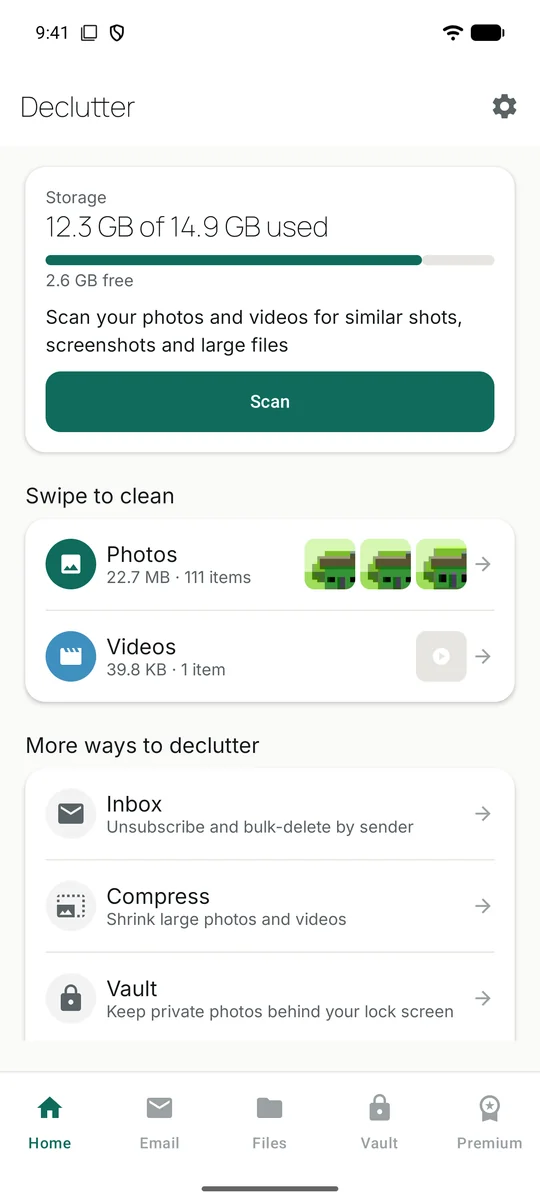
Declutter finds similar shots, old screenshots, big videos and newsletter pile-ups. You look at each one and choose what goes. Nothing is deleted until you confirm.
 Free, with optional Premium.
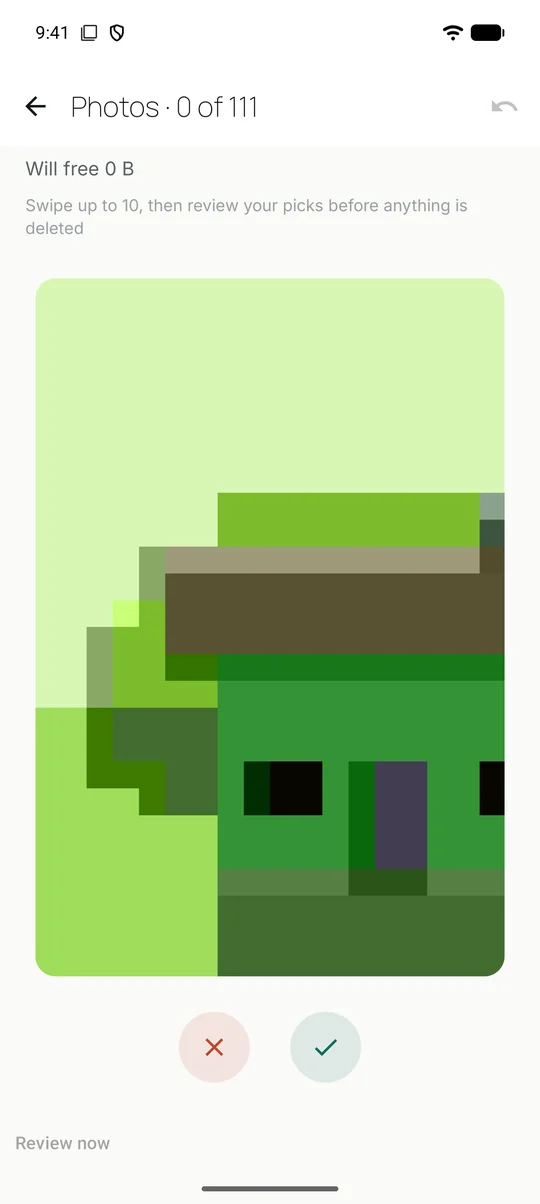
Swipe to clean
Go through your camera roll like a stack of prints.
Swipe left to drop a photo, right to keep it. After a few, Declutter shows you everything you picked so you can change your mind before anything is removed.
- A scan groups similar shots so you can keep the best one
- Old screenshots and large videos surfaced on their own
- Undo any swipe
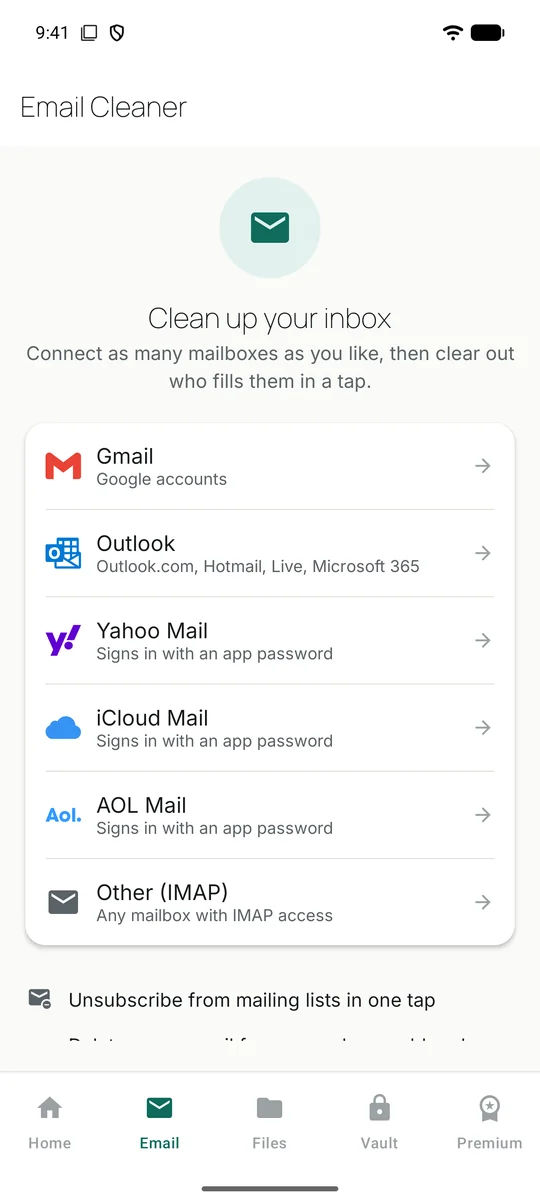
Inbox
See who fills your inbox, then deal with them in one go.
Declutter groups your recent mail by sender. Unsubscribe from a mailing list, move everything from a sender to Trash, archive it, or mark it read. It reads message headers only, never the body of an email.
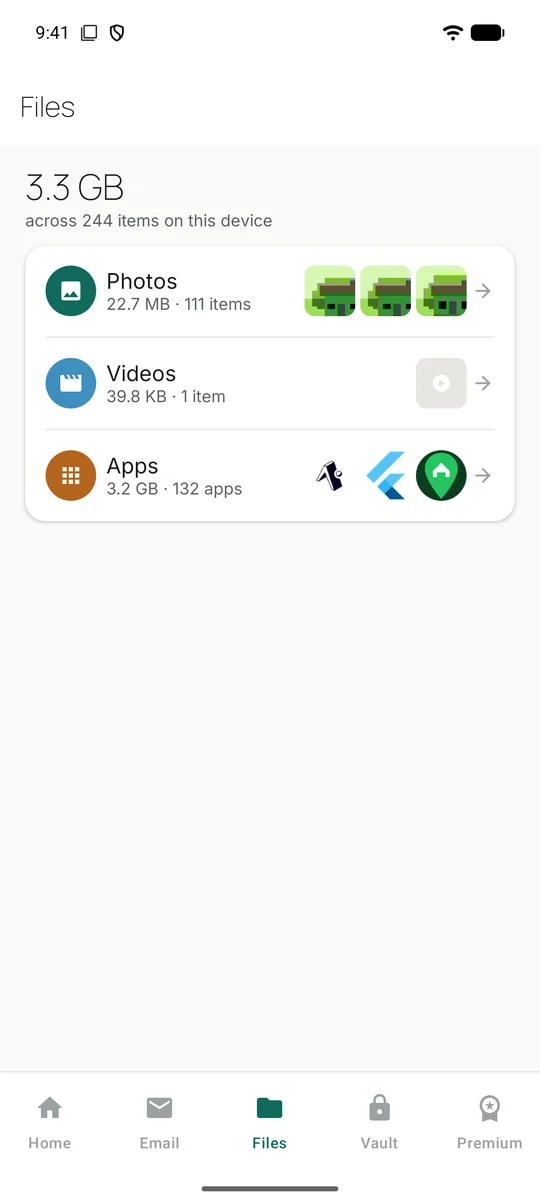
Files
Know what is taking up space before you delete anything.
Photos, videos and apps, each with its real size and count, read straight from your phone. Sort by size, search your apps by name, and open any one to clear it out.
Also in the app
The smaller jobs, handled.
Compress
Shrink large photos and videos. See the space saved, then decide whether to keep the originals.
Vault
Move private photos into an encrypted space on your phone, behind a PIN of its own.
Merge contacts
Find duplicate contacts, see what differs, and merge them one group at a time.
Back up contacts
Export your phone book to a standard vCard file and save it wherever you like.
Your data
It stays on your phone.
- Scanning happens on the device
- Photos, videos, files and contacts are read and compared locally. We run no server that receives them.
- You confirm every deletion
- Nothing is removed in the background. Each clean-up ends with a screen that shows exactly what will go.
- Email goes to Trash, not into thin air
- Bulk deletes move mail to your Trash or Deleted Items folder, so you can still recover it. Starred mail is never touched by quick clean-ups.
- No Declutter account
- You only sign in to the mailboxes you choose to connect. Details are in the privacy policy.

Make some room.